
All topics
Help Center / Settings and account
Settings
All your account preferences are on one page, under the headings at the top.
Where: Account menu > SettingsGo to page
What's on the screen
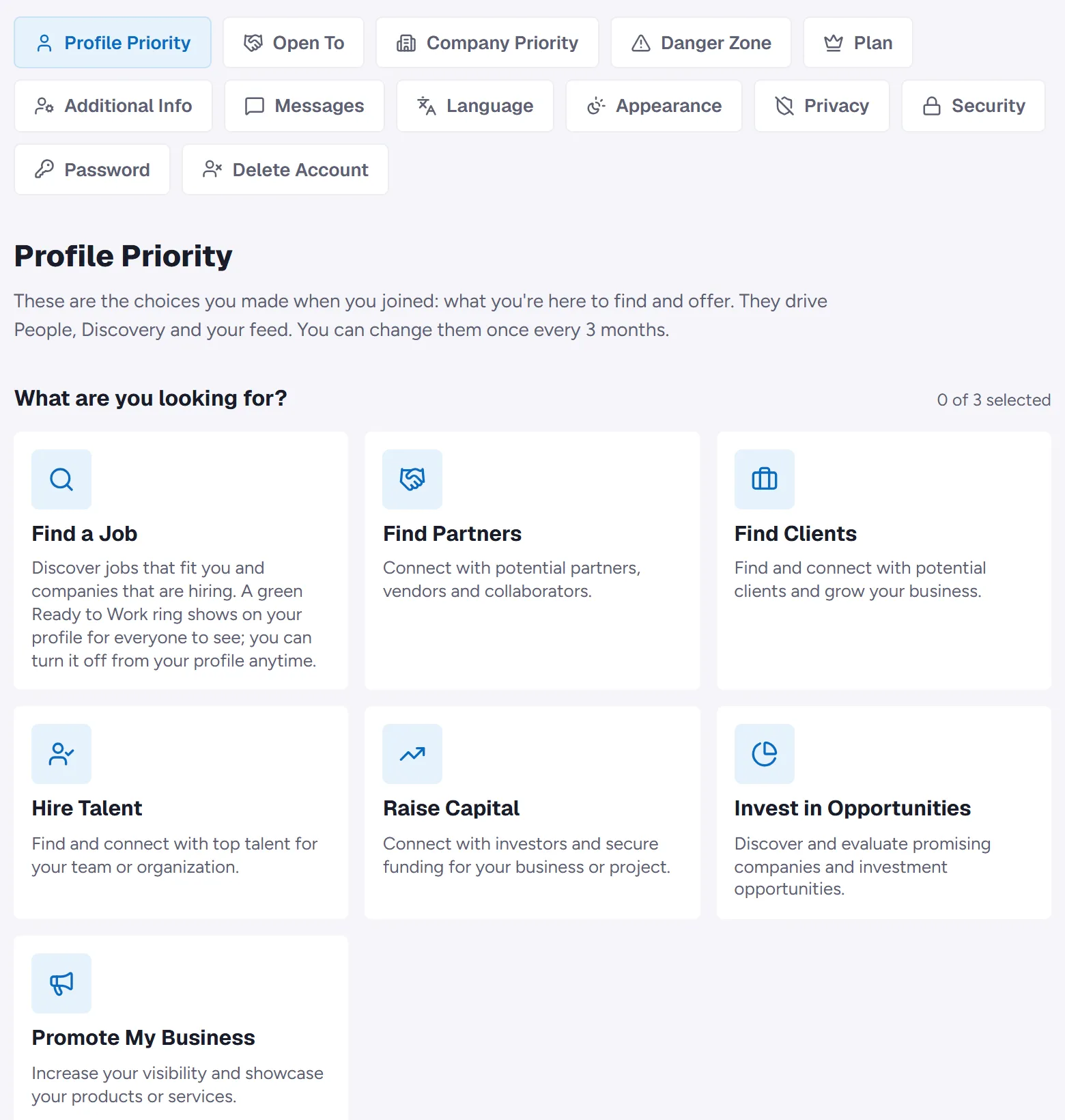
- 1Headings: Profile Priority, Open To, Plan, Additional Info, Messages, Language, Appearance, Privacy, Security, Password and Delete Account.
- 2Selected section: The settings of the heading you pick open below. Here it is Profile Priority, your goals.
Good to know
- Profile Priority: goals, industries and focus areas. Can be changed once every 3 months.
- With a company selected, Company Priority and Danger Zone show too.
- Language: Turkish or English. Appearance: light or dark theme.
- Privacy: the people you muted and blocked.
- Messages: your Message Firewall note.