
All topics
Help Center / Meetings and calendar
My meeting hours
Enter the days and hours you are open to meetings. People proposing a meeting see them and are warned if they pick a time outside.
Where: My meetings > My meeting hoursGo to page
What's on the screen
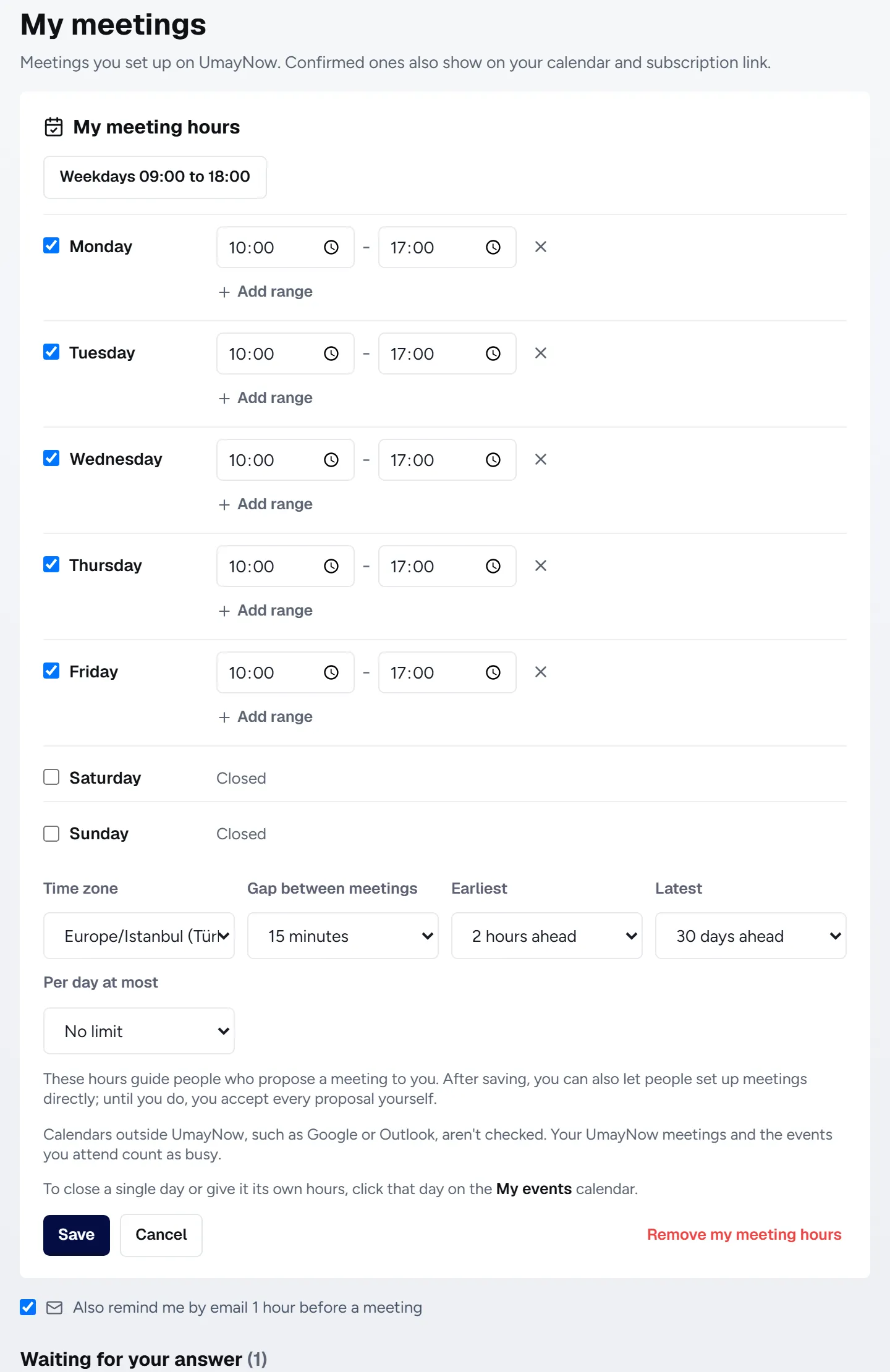
- 1Weekly hours: One or more ranges per day. Leave closed days empty.
- 2Rules: Gap between meetings, earliest notice, how far ahead and a daily limit.
- 3Time zone: Which time zone your hours are in. Turkey time by default.
- 4Save: After saving, you can also turn on direct booking.
How to
Closing a single day or giving it its own hours
- Open the Events > My events calendar.
- Click the day.
- Choose I'm not available this day or Own hours for this day.
Good to know
- Your UmayNow meetings and the events you attend count as busy. Outside calendars like Google or Outlook aren't checked.
- Meeting hours are a guide. Until you turn on direct booking, you accept every proposal yourself.