
All topics
Help Center / Getting started
Using UmayNow on your phone
On a phone the menu moves to the bottom of the screen. Five tabs take you everywhere.
What's on the screen
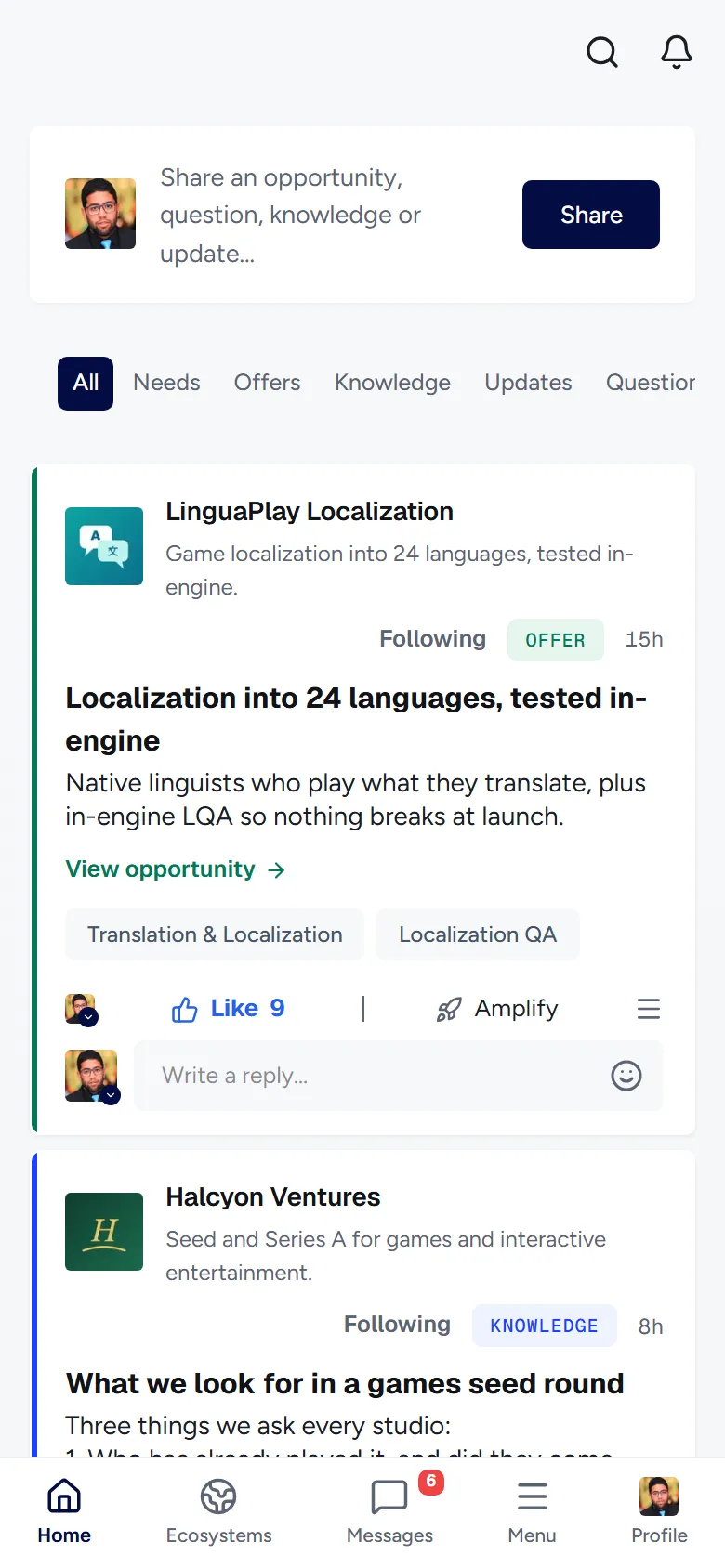
- 1Home: The Feed.
- 2Ecosystems: The ecosystems you follow and ones you can discover.
- 3Messages: All your conversations. The unread count sits on top.
- 4Menu: People, Companies, Opportunities, Saved, Analytics, Events, Groups and Settings.
- 5Profile: Your own profile.
Good to know
- The left and right side cards from the desktop are placed inside the Feed on a phone.