
All topics
Help Center / Getting started
The account menu
The menu that opens when you click your name at the top right. It takes you to your profile, settings and saved items. If you own a company, you also switch between your company page and your own profile here.
Where: The box with your name at the top right
What's on the screen
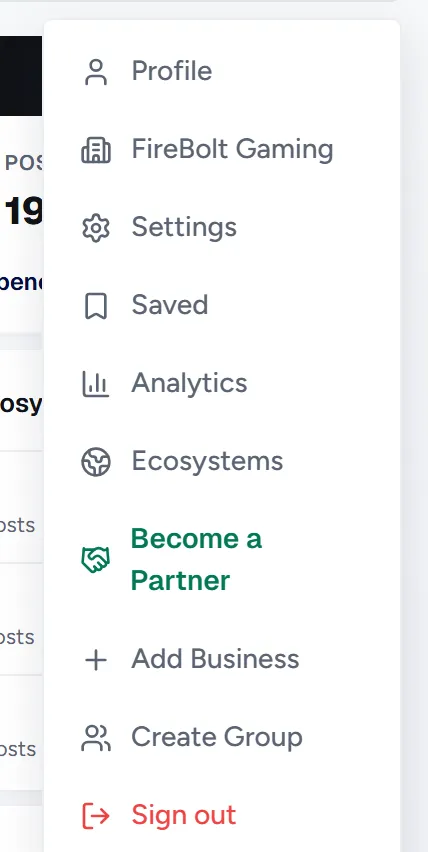
- 1Identities: Your own profile and the companies you own. Click one to manage that page.
- 2Shortcuts: Profile, Settings, Saved, My Applications, Analytics and Ecosystems.
- 3Create: Add Business opens a new company page, Create Group starts a new group.
- 4Sign out: Signs you out.
Good to know
- You can own several companies. All of them are listed in this menu.