
All topics
Help Center / People and connections
Adding and following people
There are two ways to link with someone. Connect is mutual: once they accept, you are connected. Follow is one-way: no approval needed, and you see more of their public posts in your Feed.
Where: The top of a person's profile
What's on the screen
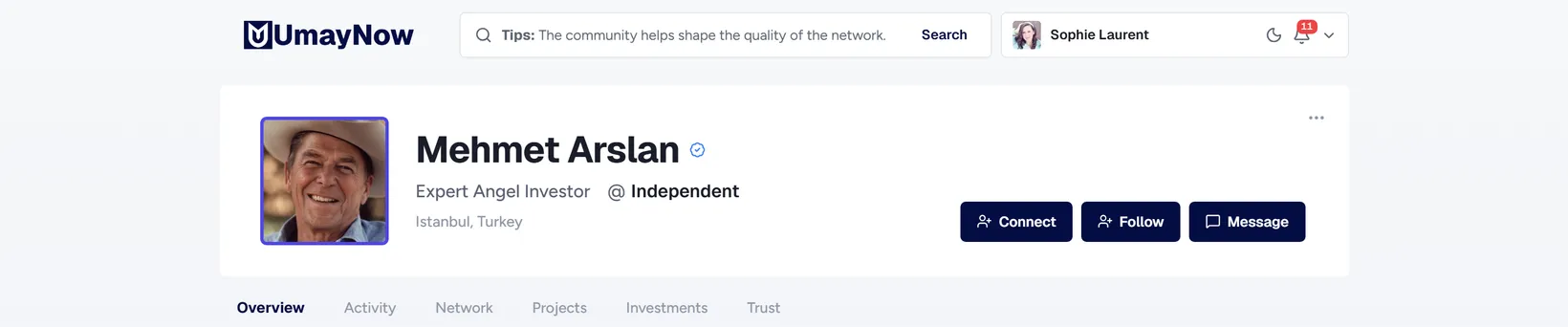
- 1Connect: Sends a request. It shows Pending until they accept.
- 2Follow: Follow without waiting for approval.
- 3Message: You can write even if you are not connected. For the rules on writing to people you don't know, see Messaging someone without connecting.
- 4More actions: The three-dot menu: Mute and Block.
How to
Accepting a connection request
- Click the bell (Updates).
- Click Accept next to the request. You can also accept from the person's profile.
Good to know
- You can withdraw a request you sent, but you then have to wait a week before sending another one to the same person.
- Your connections are the only audience that sees your Regular posts.
- You can follow companies too, with the Follow button on their page.