

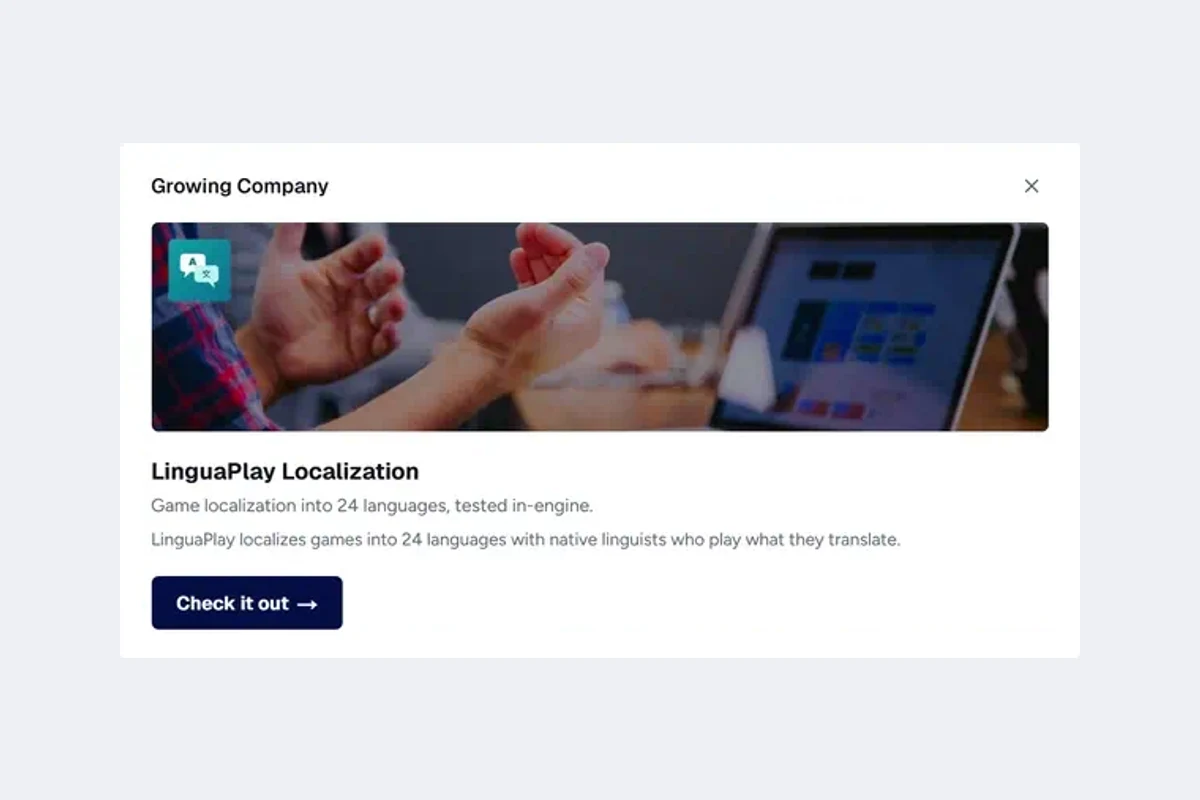
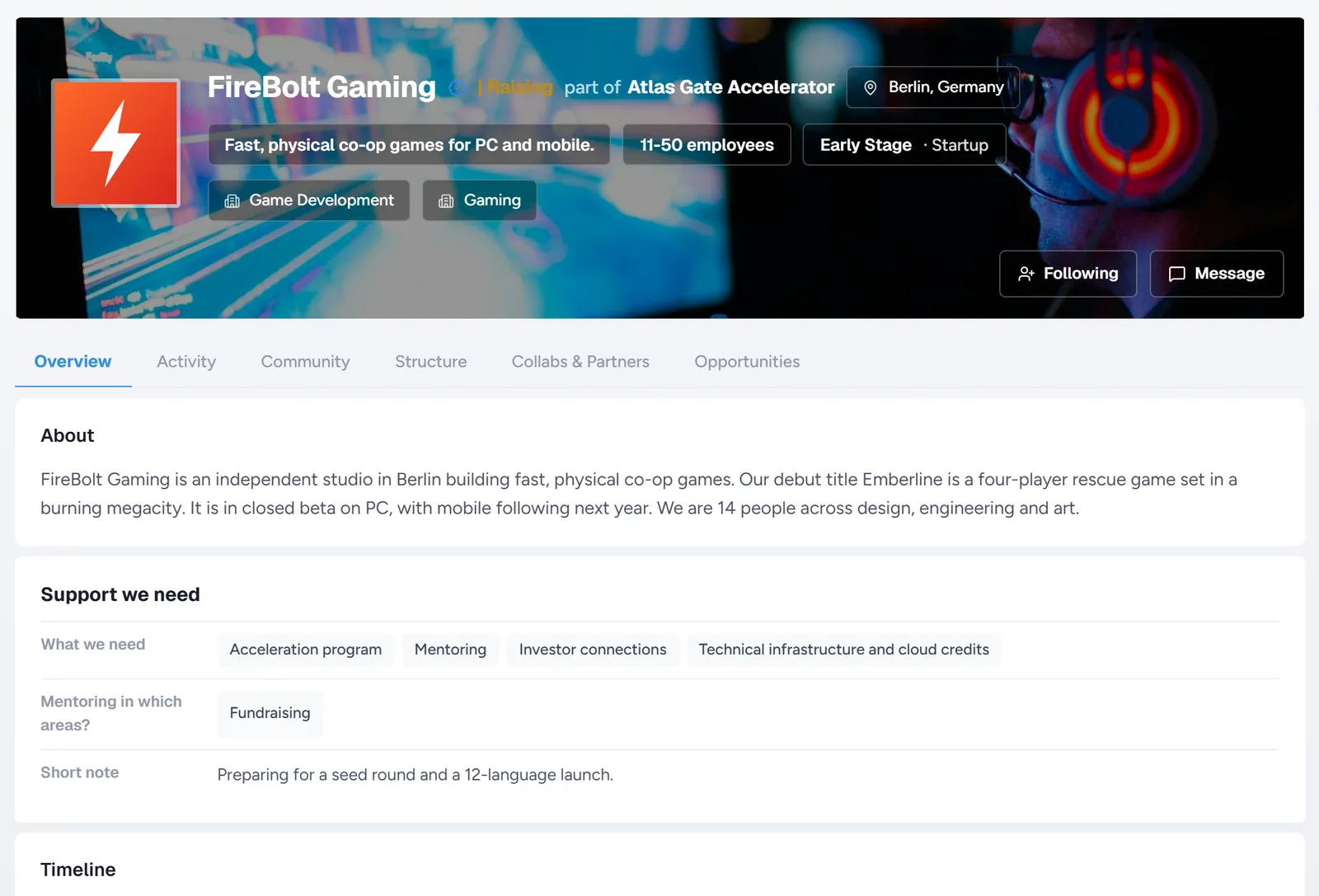
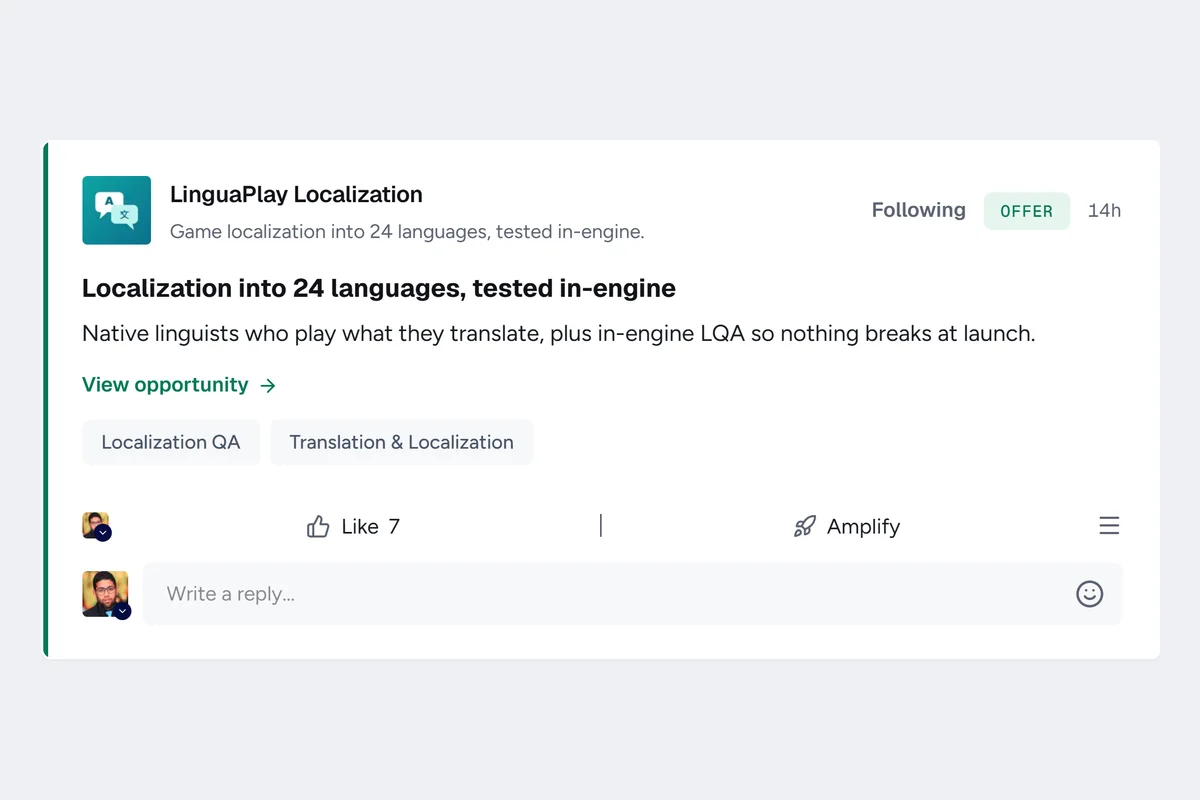
Some of the companies in Alpha














Professional networks show who you are. UmayNow shows what you are looking for.
You may now findclientsamong 203 Alpha users
Which one are you?
Pick one and we'll show you what's in it for you.
For startups
Discover investors, co-founders and customers. Use support programs and free promotion.
- Customer and partner matchesShare your needs and the services you offer. Discover customers, suppliers and partners who could work with you.
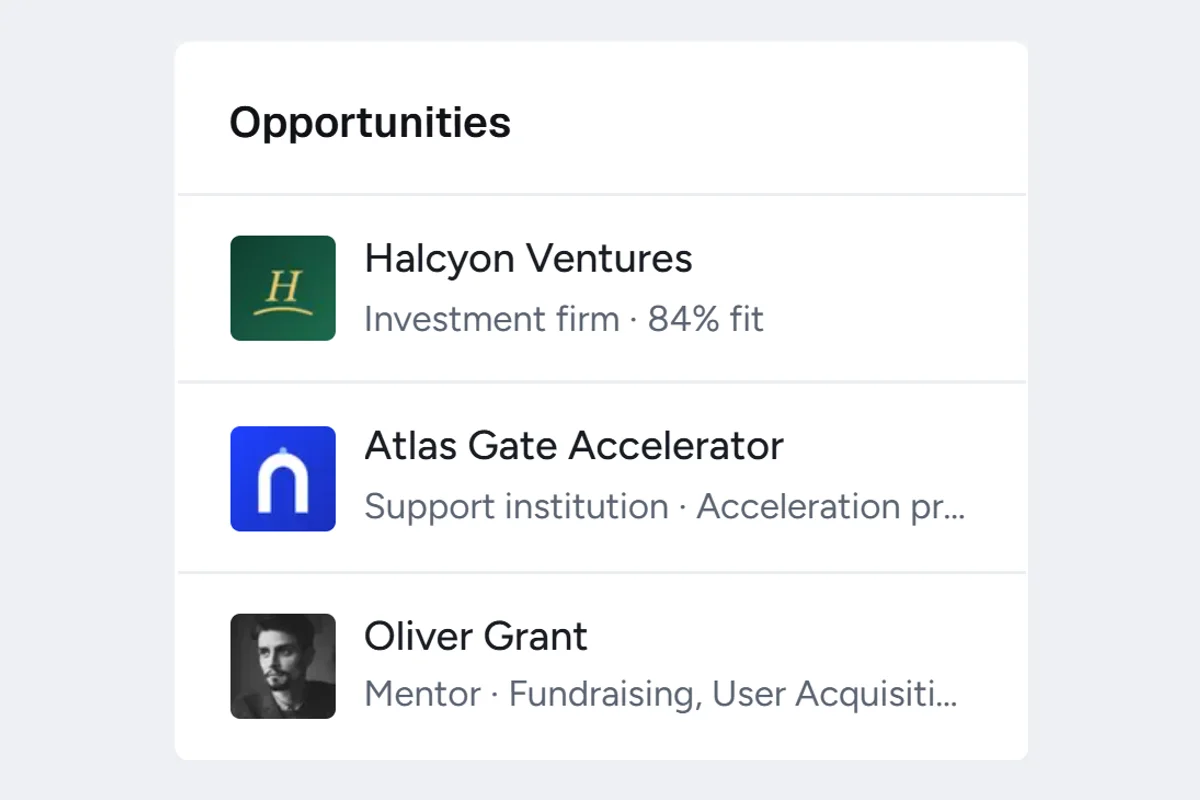
- Investors that fit youSee investors who fit your region, sector and stage in your Feed and Opportunities.
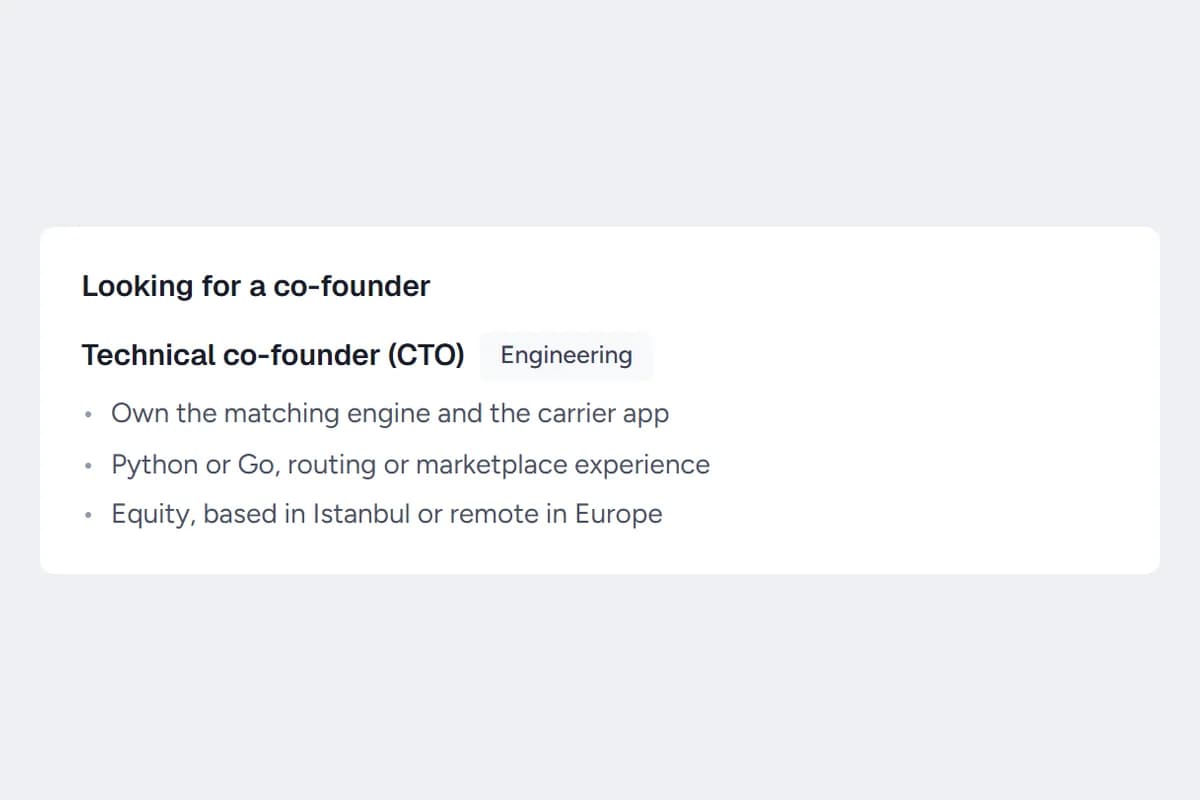
- Co-founder matchingMatch with people open to co-founding in the field you're looking for. Your name can stay hidden, and you're introduced only if both sides want it.
- Free startup spotlightWe feature startups in the Feed and in ad slots for free. Don't spend on ads before you've grown.
- Support and mentorsPick what you need from 13 kinds of support, such as incubation, office space, grants, mentoring, legal help or investor introductions. Reach the support organizations that fit you, and be visible to them too.
- Open callsWhen a program opens a call that fits you, you hear about it.
For companies
Share what you offer and need. Meet customers, suppliers and partners.
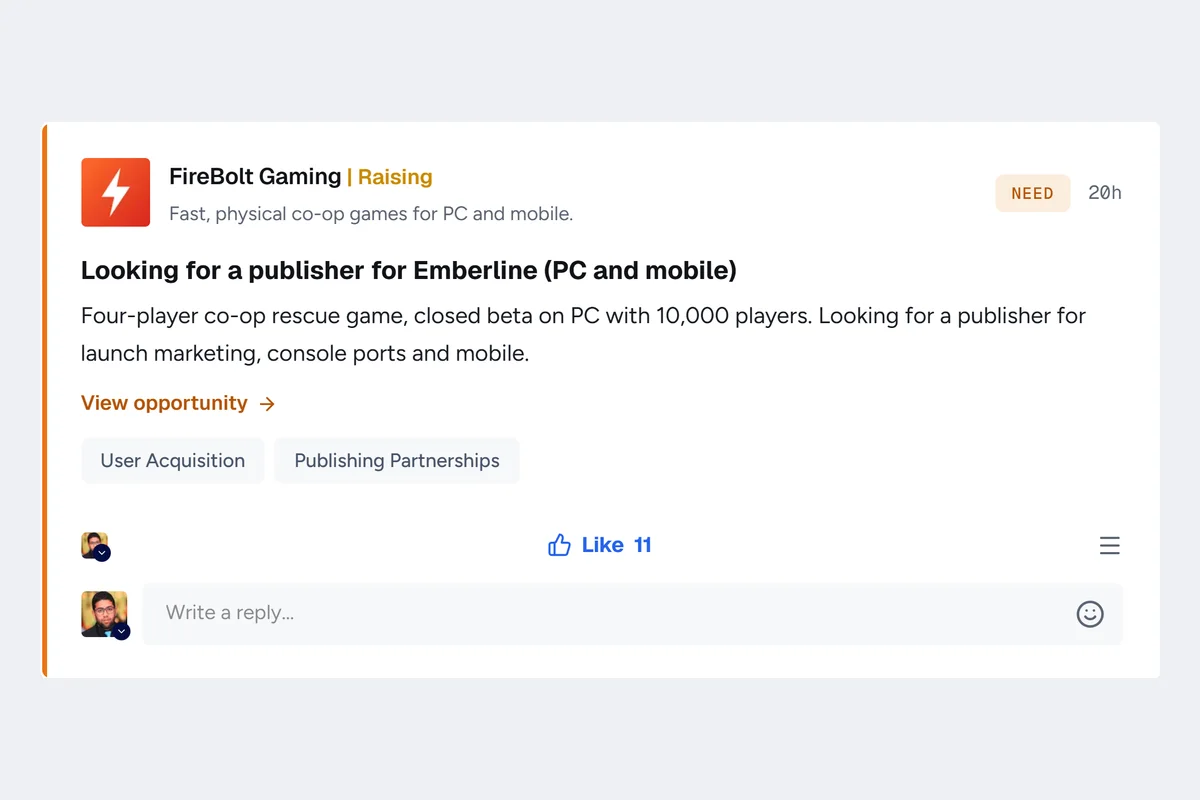
- Potential customersShare your offer. It stands out in the Feed of the people and companies who've said they need it.
- Suppliers and partnersShare what you need. Companies that offer it see your need near the top of their Feed.
- Business opportunitiesSet the areas you can collaborate in. See every company that matches, and stand out in their Feed too.
- Intent based postsWhat you offer and what you're looking for stay on your company page, and suggestions and matches are built on them.
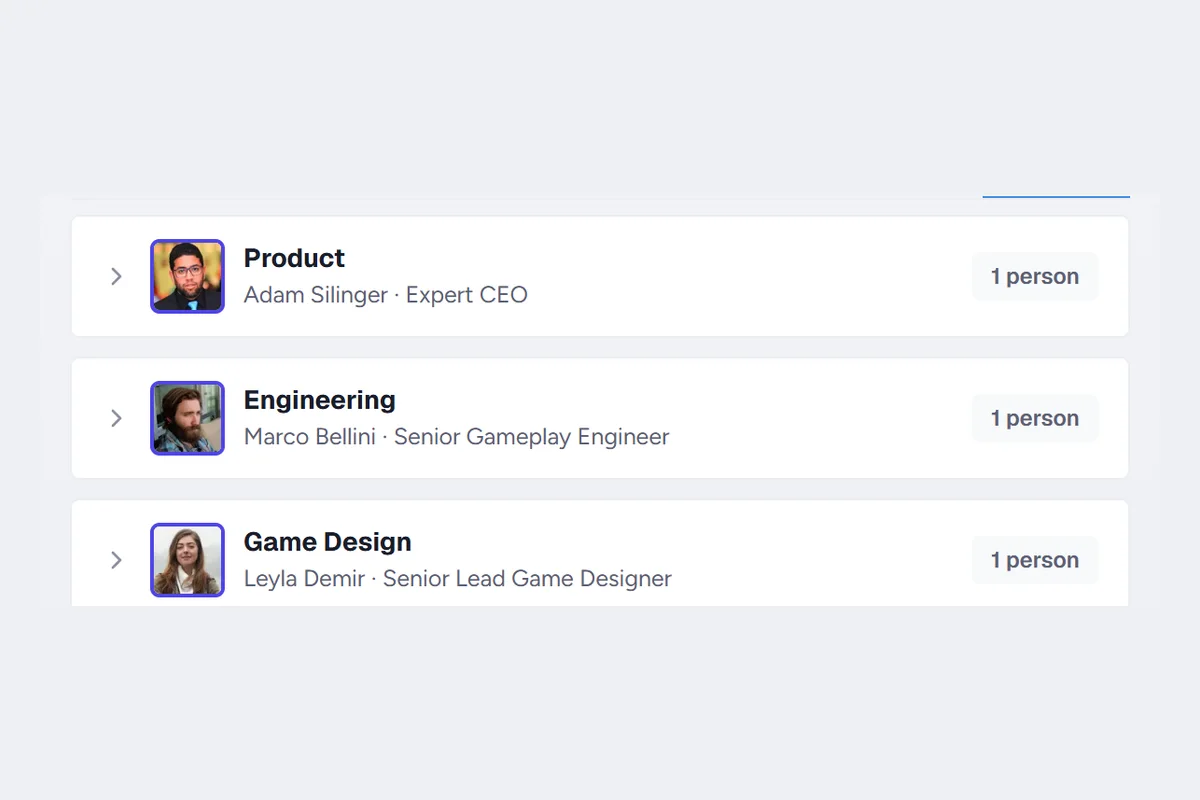
- Reach the right departmentSee the departments companies have set up and who leads each one. Get your proposal to the right person.
- Verified collaborationsCompanies you work with appear on your page and are announced in the Feed once both sides confirm. You verify with your own domain, so nobody else can claim your company.
For investors
Set your focus and ticket range. Discover startups that fit your criteria.
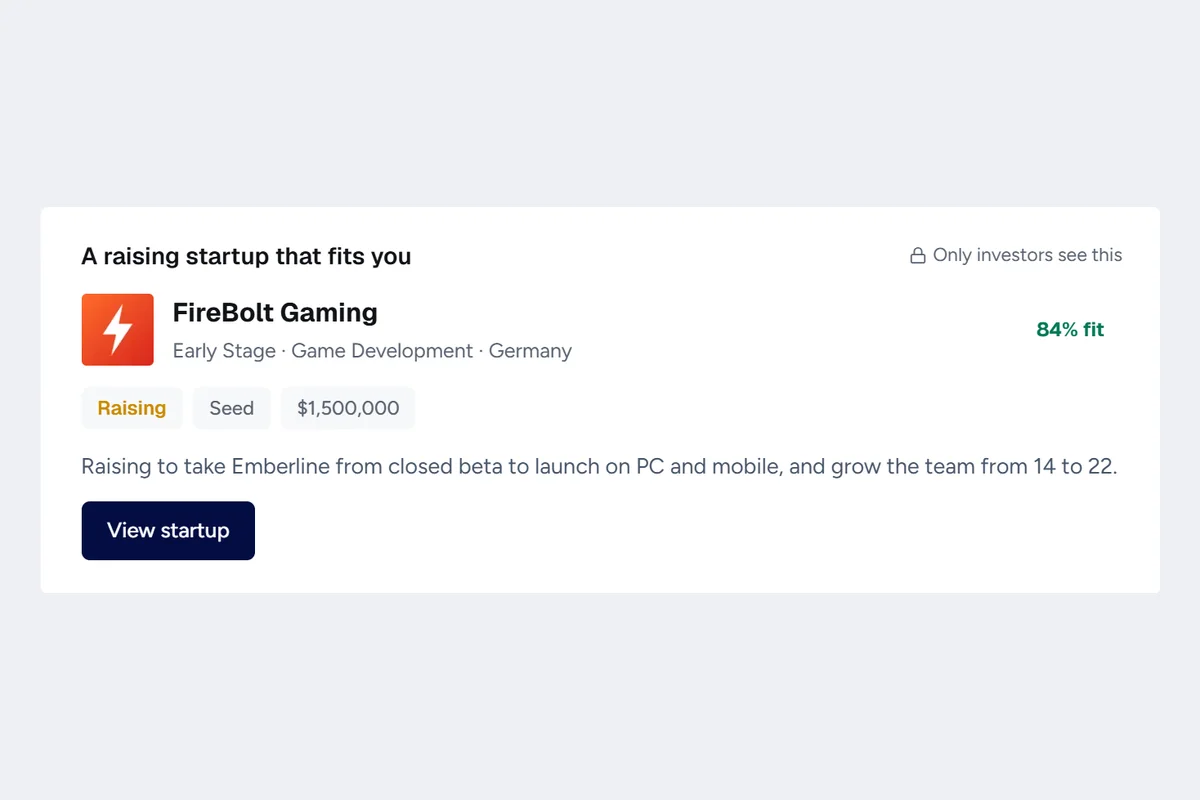
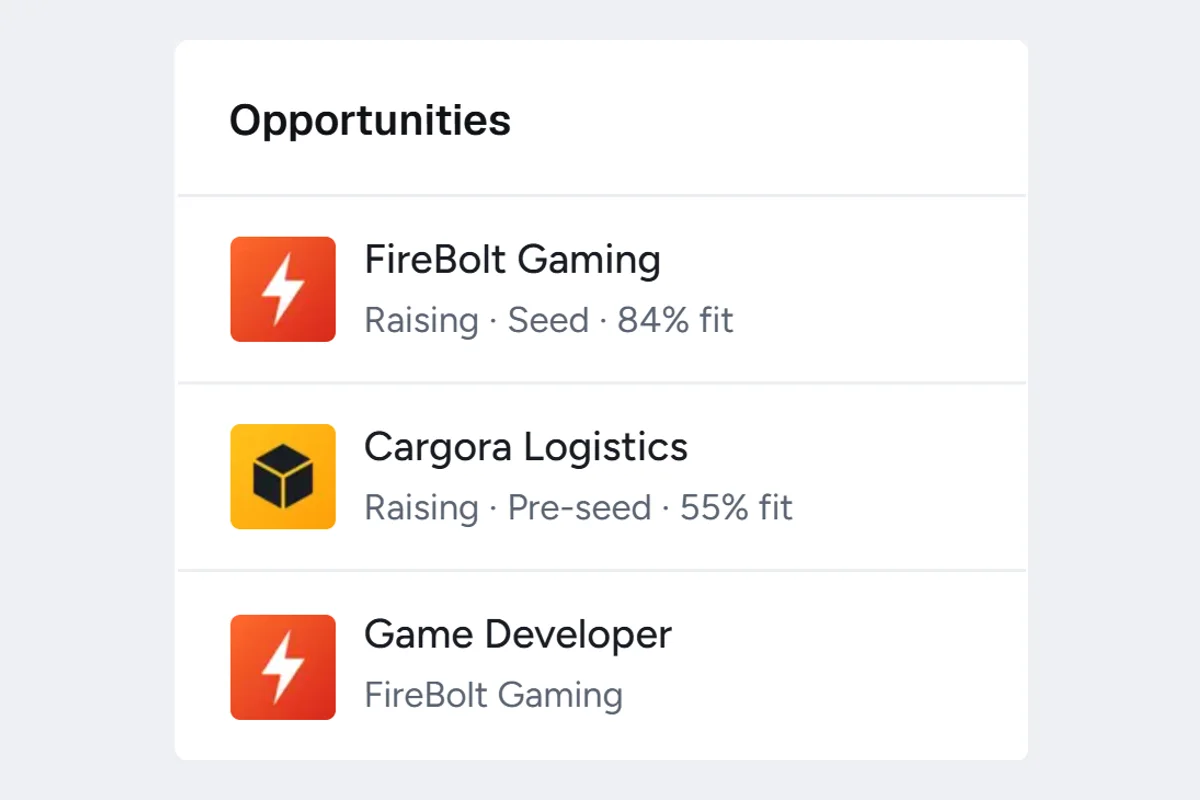
- Startups that fit youStartups that match your preferences and are raising right now show up in your Feed and your Opportunities card.
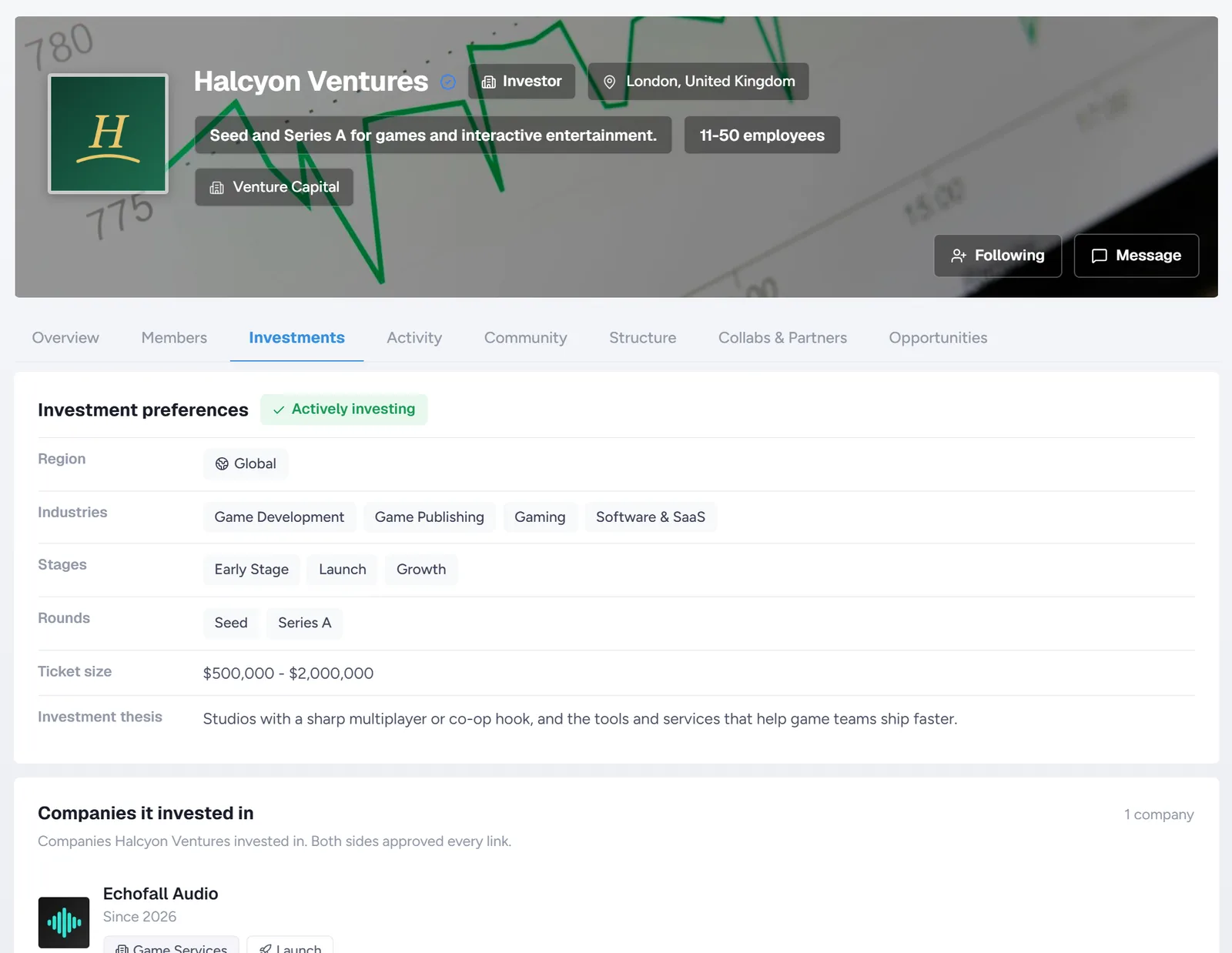
- Investment preferencesRegion, sector, stage, round and ticket range. Mark the deal breakers as "required" and startups that miss them never reach you.
- Who's raising nowStartups raising right now carry a "Raising" label that only investors can see.
- Round and amountOnly verified investors can see the fundraising details of startups that are raising.
- Profile and portfolioYour investment thesis is public on your profile. Companies you've invested in are listed on your Investments tab once both sides confirm.
- Fresh roundsStartups reconfirm at regular intervals that they're still raising, so you don't waste time on stale rounds.
For support organizations
Add the support you offer. Let fitting startups find you, and manage your members in one place.
- Startups that fit youSee startups that fit you in your Feed and Opportunities, and gain visibility.
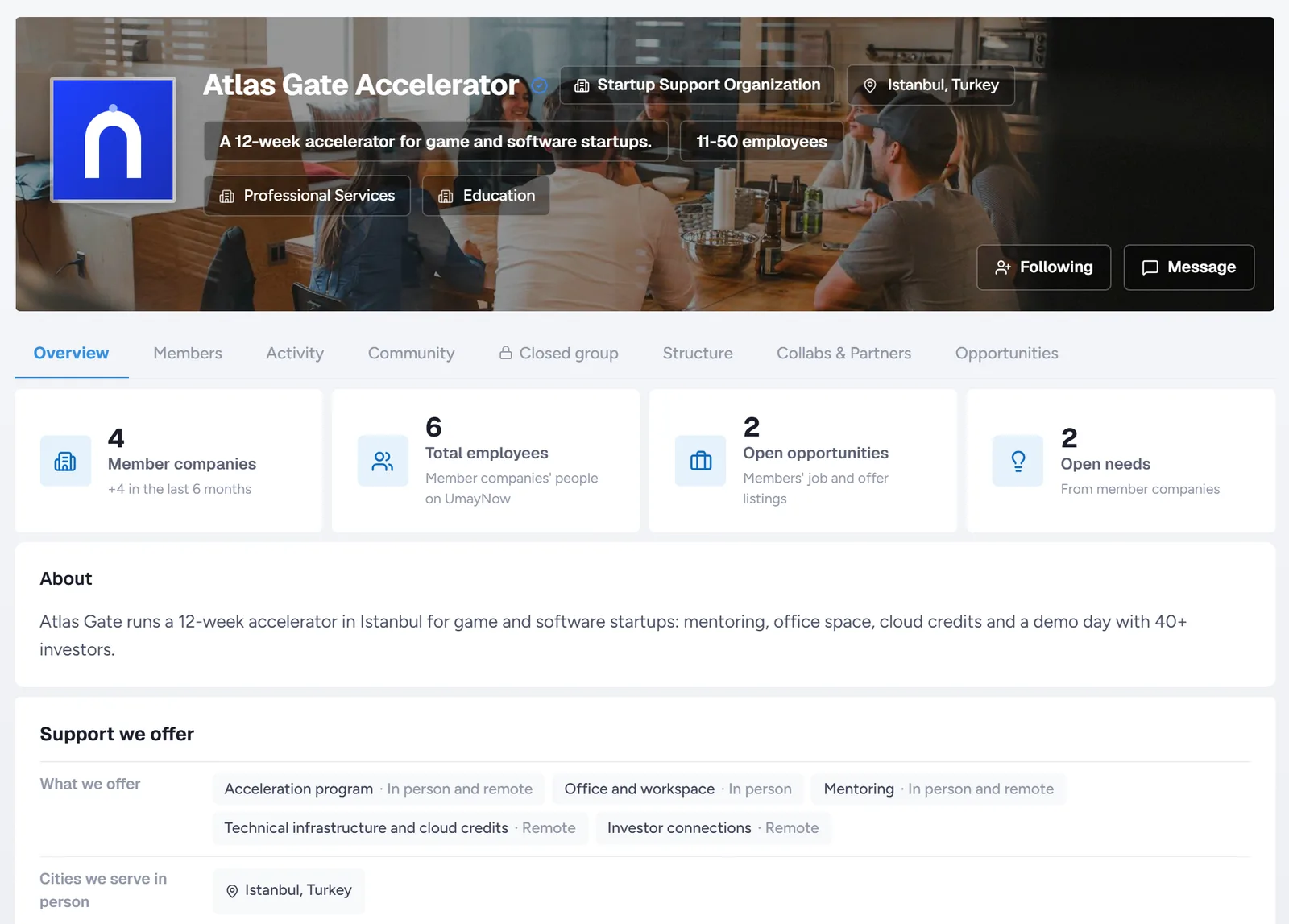
- Make your support visiblePrograms, office space, mentoring, grants, labs and more: 13 kinds of support. Choose in person or remote, and which cities, sectors and stages. You're matched on what you actually offer, not on what your organization is called.
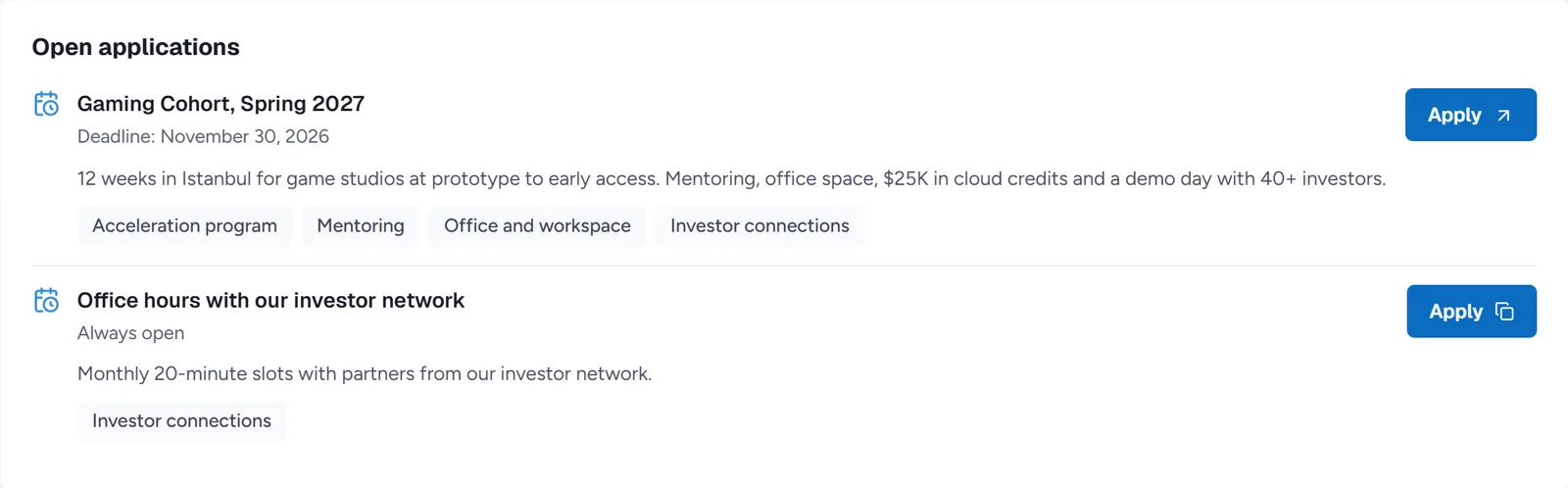
- Open callsPublish a program with an application link or email, with a deadline or as always open. Tag the kind of support and fitting startups get an alert.
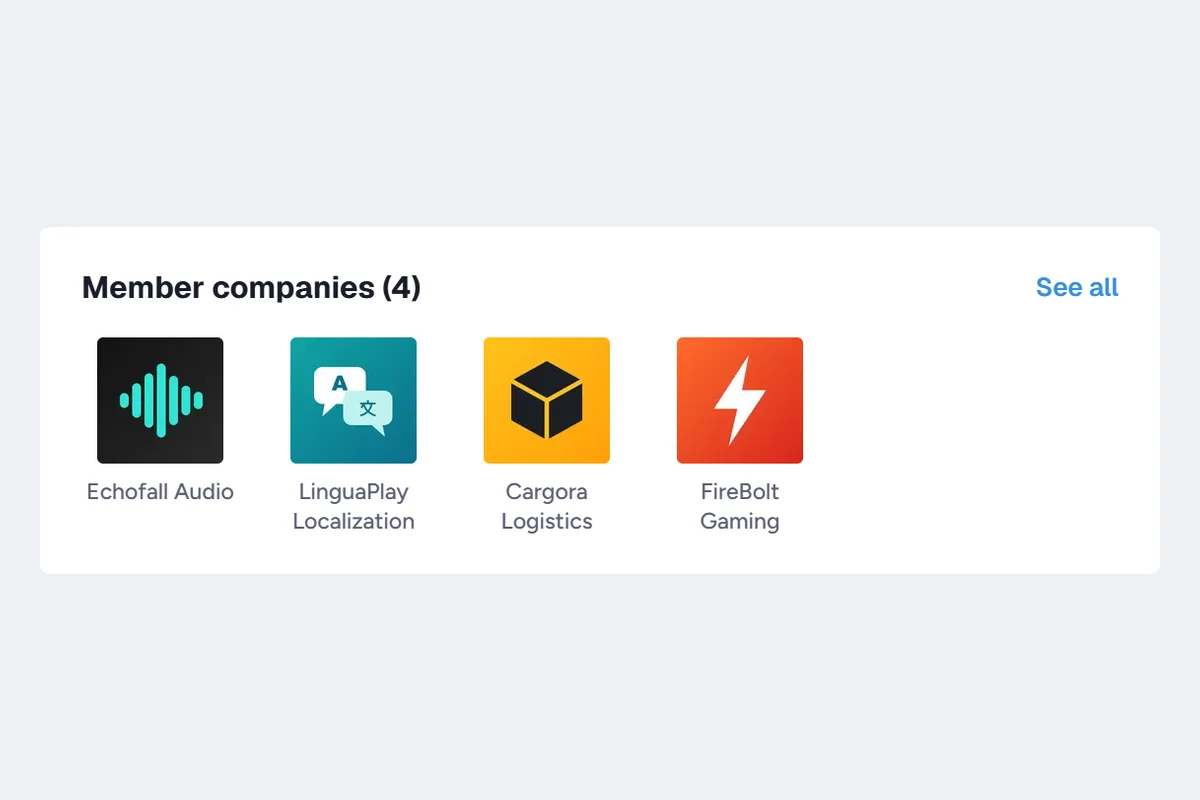
- MembersInvite companies, including ones not on UmayNow yet by email. Companies can also ask to join you.
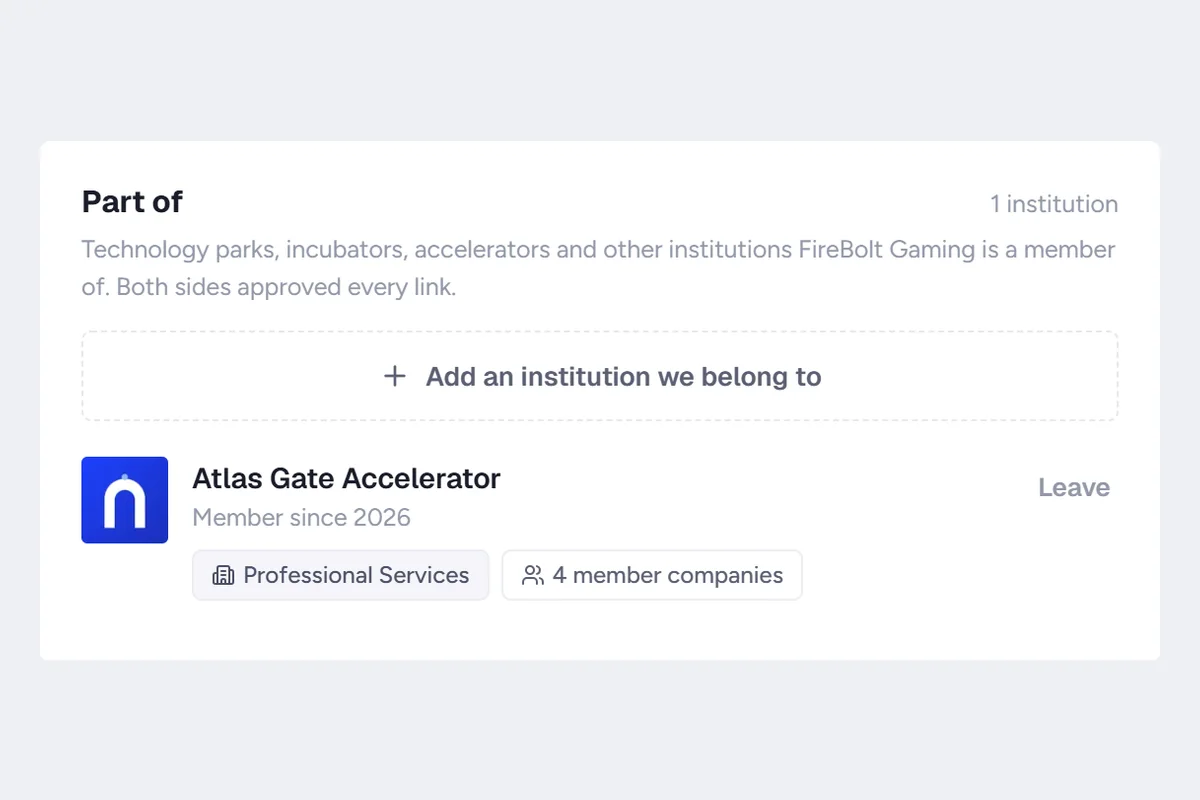
- Be seen on your members' pagesYour name appears on member companies' pages with a "Part of" line, raising your visibility as a support organization.
- Bulk messageWrite to all members, or founders only, in one go.
For job seekers
Share what job you're looking for. Let matching listings and the people hiring find you.
- Looking for work postShare the role, city and way of working you want. If you like, only people who are hiring can see it.
- Hirers get notifiedWhen an open listing fits your role and city, its owner gets a notification.
- Listings ranked by fitListings are ranked by your role, skills and location. The best fit comes first.
- Protection against fake listingsListings close on their own after 30 days, so you don't waste time on stale ones. Companies that post jobs but never hire drop down the ranking.
- Open to Work labelTurn it on and a green label shows next to your name, with a green ring around your photo.
- Profile visitorsSee which industries are looking at your profile.
For event organizers
Get your event in front of the right people. You decide who fills the room.
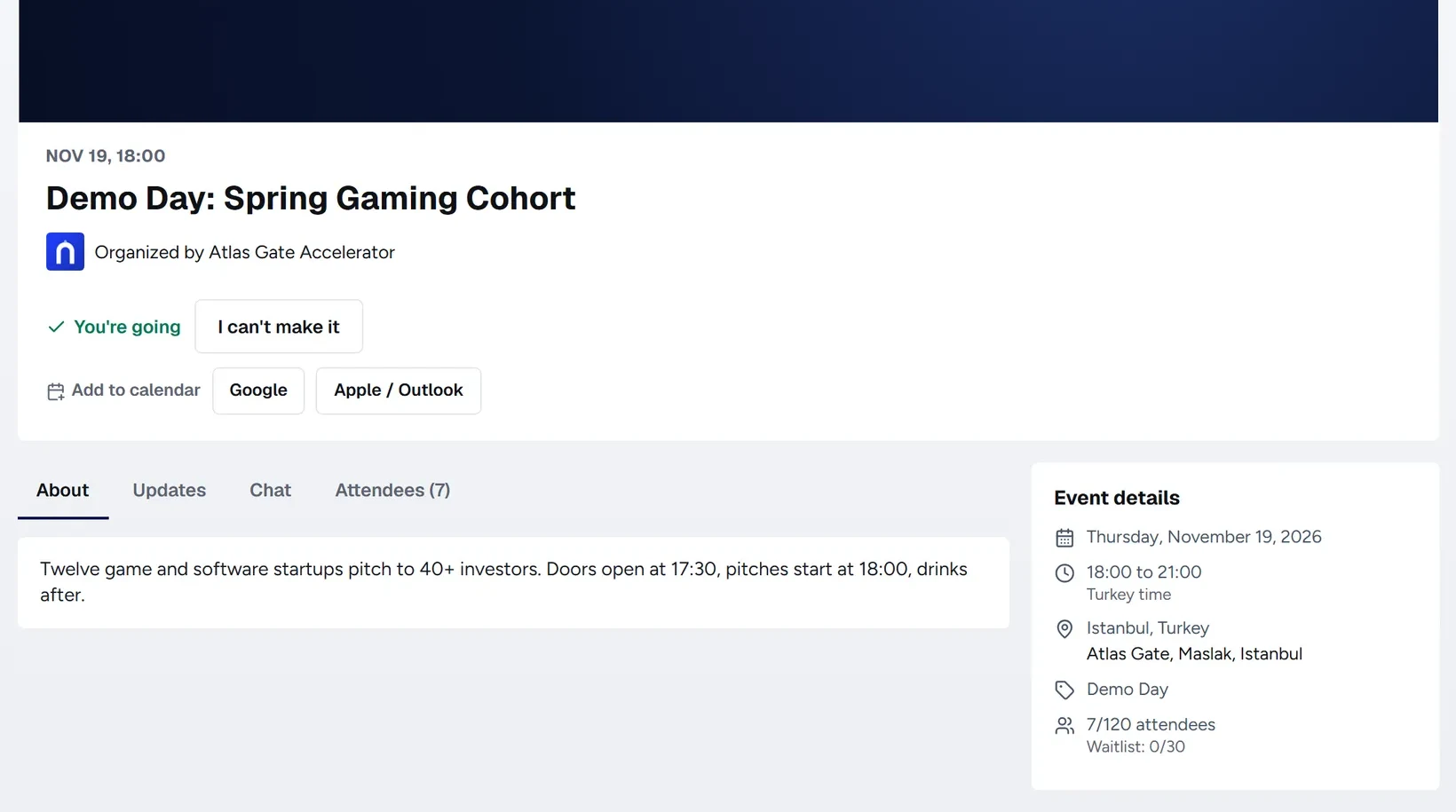
- Event pageCreate an event for your company or group: networking, conference, workshop, webinar, demo day, career or investment event. Online or in a city.
- Reach the right industriesPick up to 3 industries. Your event is shown to people in them, and appears as a card in the Feed.
- You control who gets inChoose open joining or approval. People from outside your industries land in your approval queue, and you accept or decline them from one screen.
- Seats by audienceSet separate seats for C-level, decision makers, seniors and students. The system works out each person's group from their profile.
- Automatic waitlistOnce it's full, newcomers join a queue. If someone drops out, the next person moves in on their own and gets notified.
- Attendee list your wayShow attendees by name, by title only (for example "CTO · Gaming") or just as a count. You always see the full list.
- Address and link stay privateThe full address and meeting link are visible only to confirmed attendees. Everyone else sees just the city or "Online".
- PartnersInvite partner companies and groups. Those who accept appear on your event page, and your event appears on theirs.
- Updates and remindersSend announcements to attendees and the waitlist. A reminder goes out a day before, and everyone is told if you cancel.
- Event chatOpen a chat room and choose when it opens, when it closes and who can write. Your messages appear under your company or group name.
- CalendarAttendees add the event to Google, Apple or Outlook in one click. With the subscription link, time changes and cancellations show up there too.
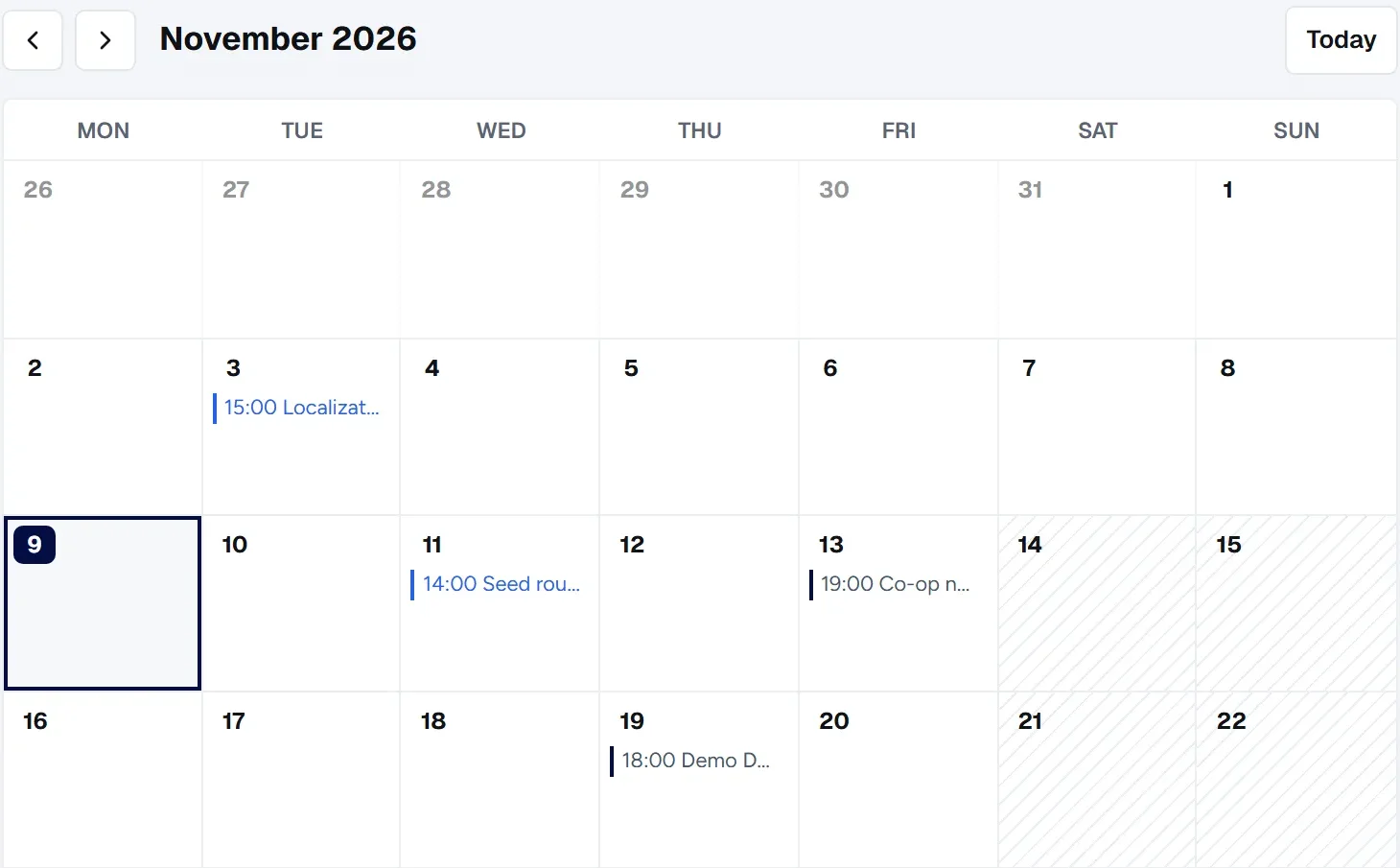
- Events tab on your pageYour upcoming and past events sit on your company or group page as a list and a calendar. A closed group's events are visible to members only.
Have a community or a following? Become a partner and earn a share of the revenue from the users you bring. Partner program
Frequently asked questions
What does Alpha mean?
It is the early version of UmayNow, built together with its first users. New features keep coming, and your feedback shapes the product directly.
Is it paid?
No. All members and companies get Premium for free until the Live Beta release, which UmayNow will announce.
Can I write to someone I don't know?
Yes. You can write to anyone directly, no connection needed. Incoming messages are sorted by business fit.
How do I verify my company?
With a code sent to a company email address on your own domain. Once verified, nobody else can claim your company.
How do I add my organization and its members?
Add your organization as a support organization and invite your member companies. Those not on UmayNow yet get an email invite.